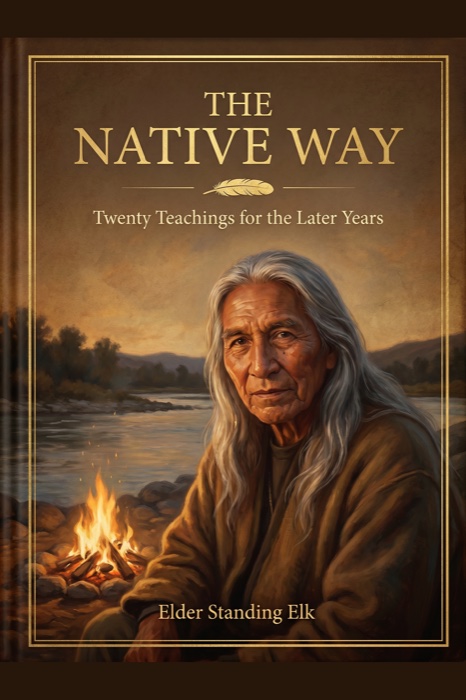
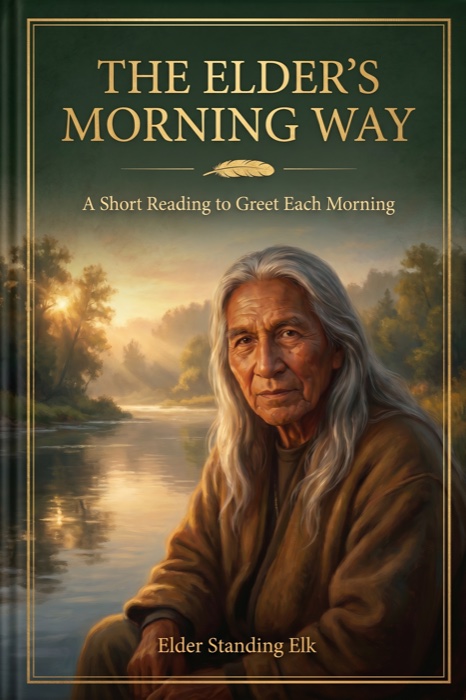
Your free companion
The Elder’s Morning Way
A Short Reading to Greet Each Morning
On your device
How to read your books
Both books are ordinary PDF files — the kind that opens on nearly anything. Find your device below and follow along.
On a Kindle
Press Save the file first, so the book is on your computer or phone. Then open Amazon’s free Send to Kindle page, sign in, and add the file. The book appears on your Kindle a few minutes later.
On an iPhone or iPad
Tap Read it now and the book opens on your screen. To keep it, tap the Share button — the small square with an arrow — then choose Save to Files, or Books to shelve it beside your other books in Apple Books.
On an Android phone or tablet
Tap Save the file and the book lands in your Downloads. Open the Files app, tap the book’s name, and it opens in your reader. You can keep a copy in Google Drive too, if you use it.
On a computer
Click Read it now to read right in your browser, or Save the file to keep a copy. Every modern computer opens a PDF on its own — no special program needed. Print a few pages if you enjoy reading on paper.
Good to know
This page is yours to keep.
The link that brought you here does not expire. Bookmark this page, or simply keep the email it came in — either one will always bring you back. And whenever the books are improved, the newest editions appear here on their own. You will never be asked to pay again.

“Take your time with these pages. They were written slowly, and they are best read the same way.”
Elder Standing Elk